More room
for the page.
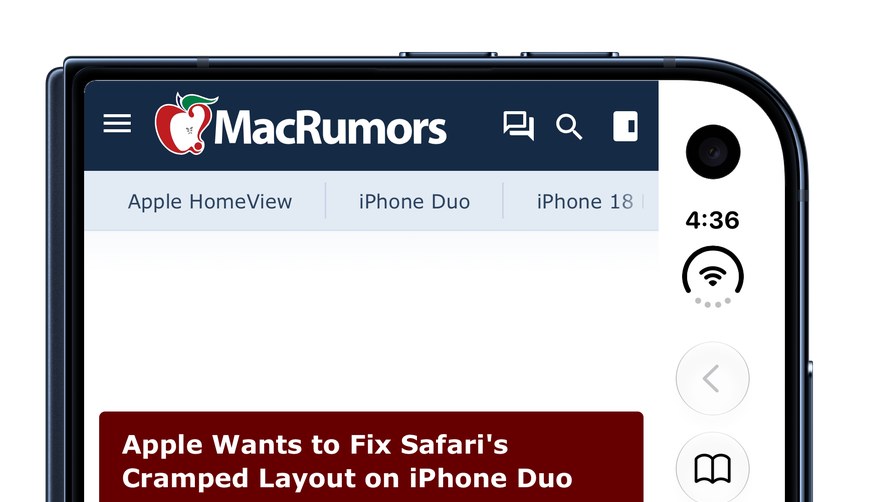
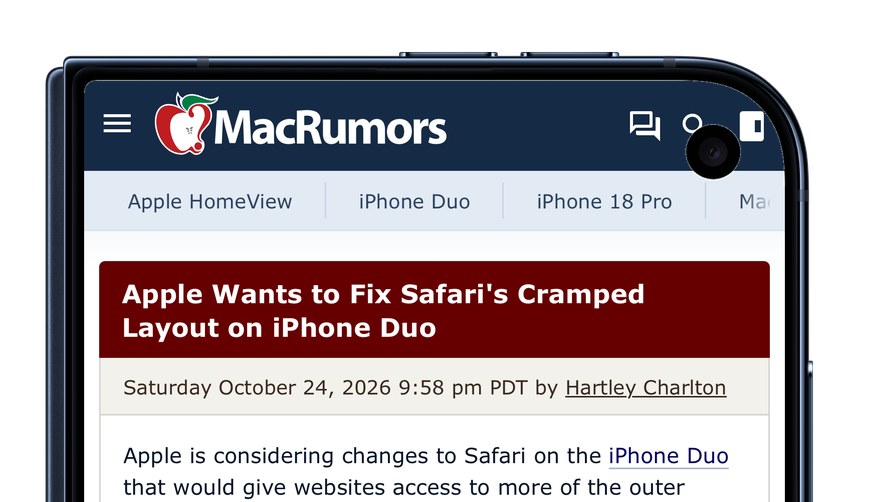
On the closed Duo, Safari keeps a column down the side for the clock and its buttons. Duofari gives that width to the page.
A web browser for iPhone Duo
Everything where you expect it, the way Safari does it. Except now the page gets every inch of the glass.

3 days free, then $0.99 once. No subscription.

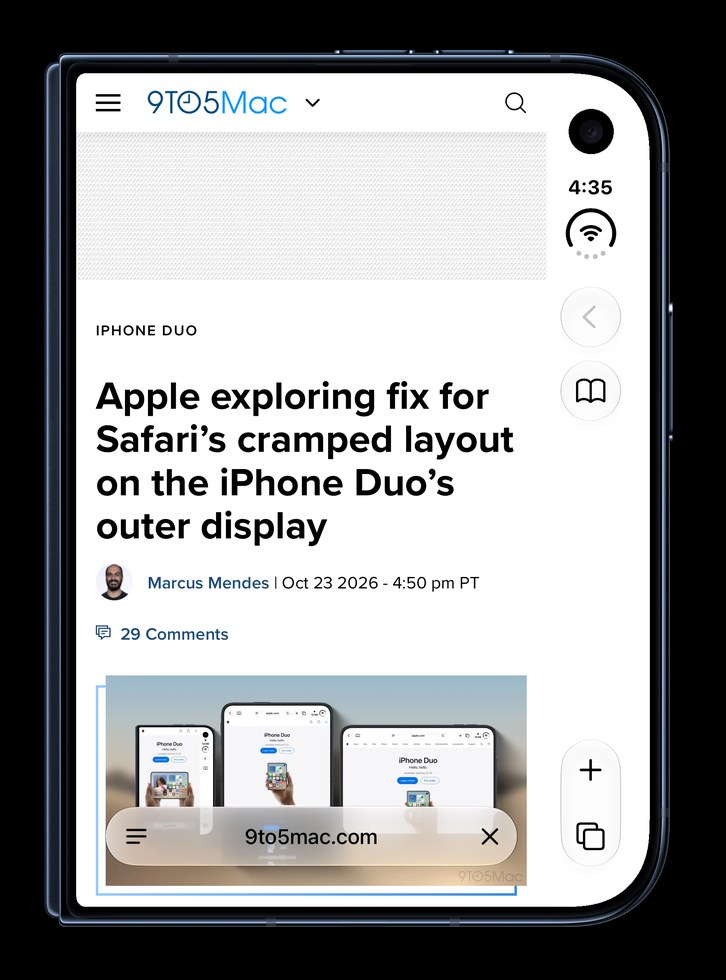
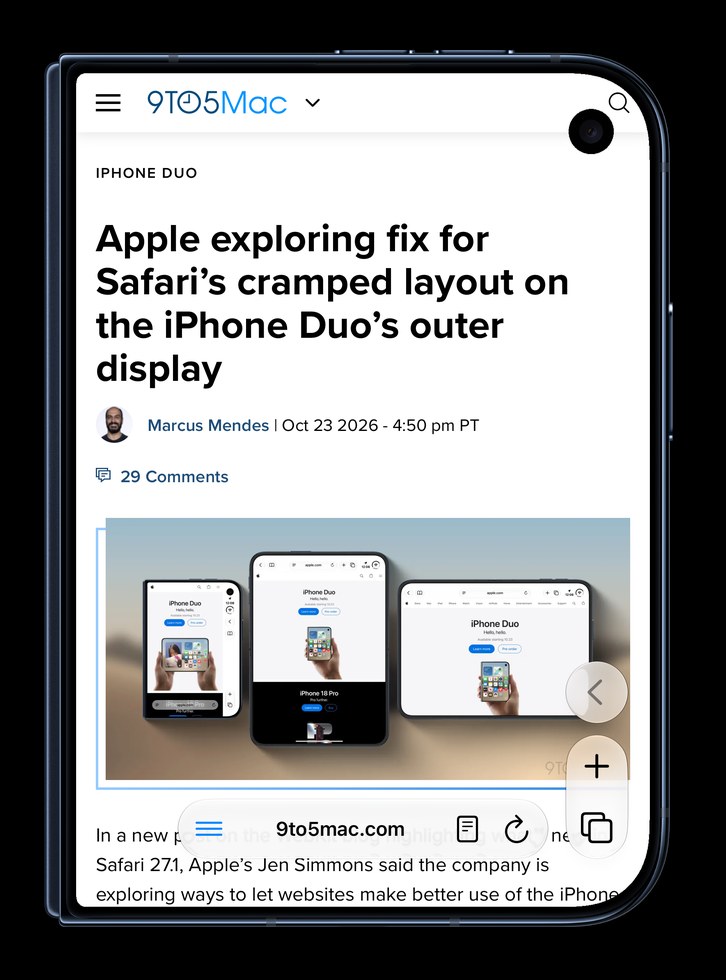
On the closed Duo, Safari keeps a column down the side for the clock and its buttons. Duofari gives that width to the page.
Scroll down and the controls tuck away; the address bar shrinks to just the site's name. Scroll back up,
and everything's right where your thumb left it.
Safari extensions can’t do this.
Pages run all the way to the top, under the camera. When a site puts its menu right there, tap the camera button at the top of the side controls and the page steps below it. The strip above takes the page's own colour, so it looks like it was meant to be.


The controls on the left edge, tab view and all.
One switch in Settings.
Lefties, this one's for you.

Ads and trackers are blocked before they load, so pages are lighter and faster. Turn it off for any site from the ≡ menu.
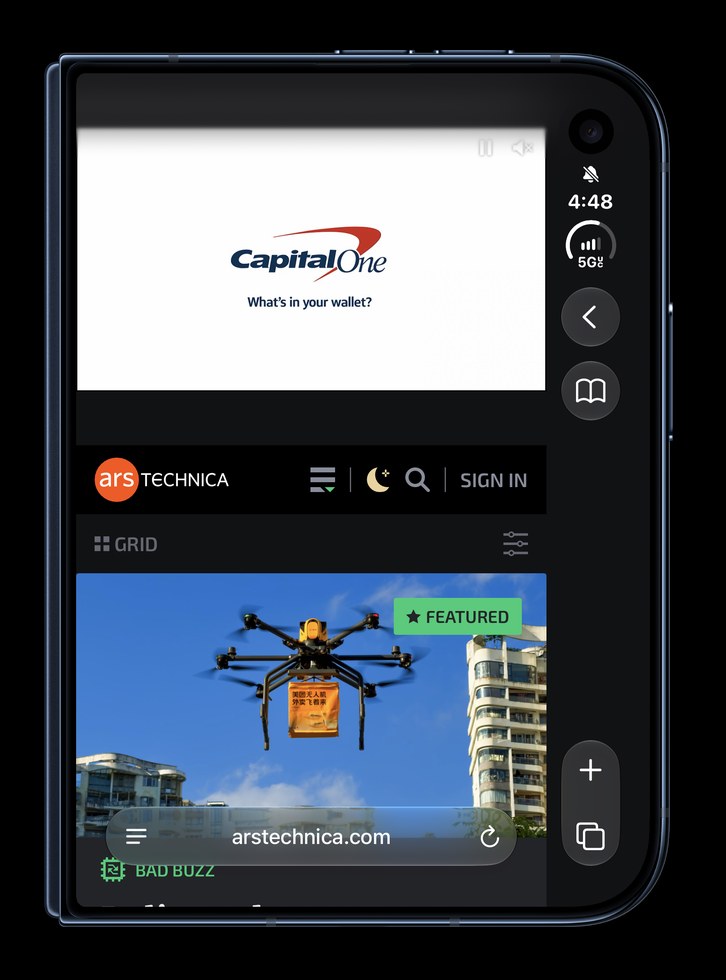

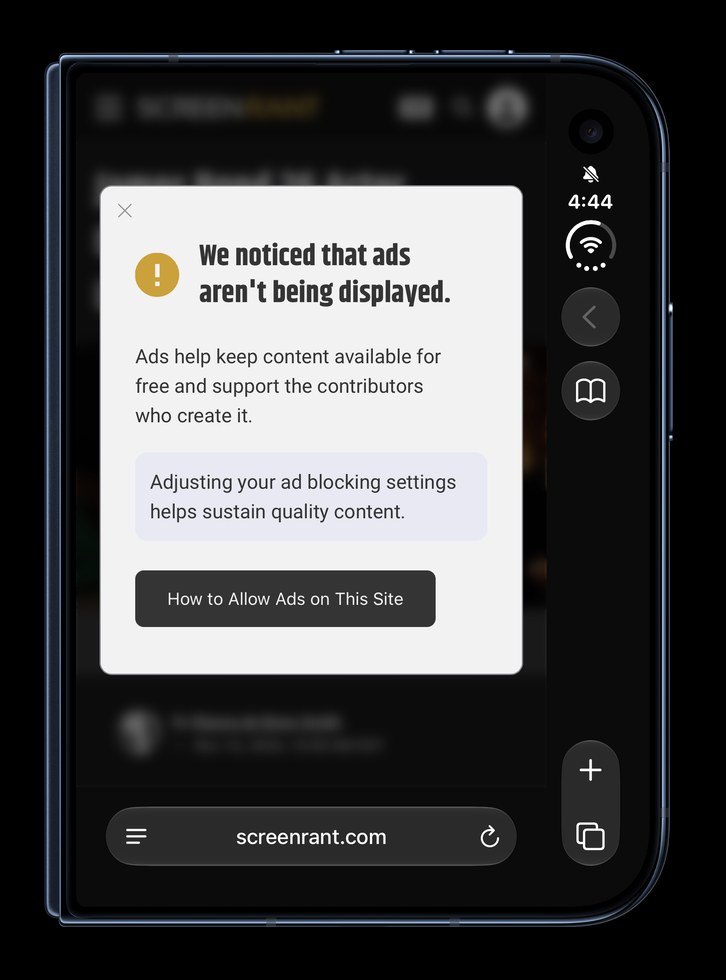

Plenty of sites spot an ad blocker and wall off the page until you turn it off. Duofari blocks the ads without tripping most of those walls, so the article just loads.
Duofari answers the cookie banner for you, “reject all” on most sites, so you go straight to the page.
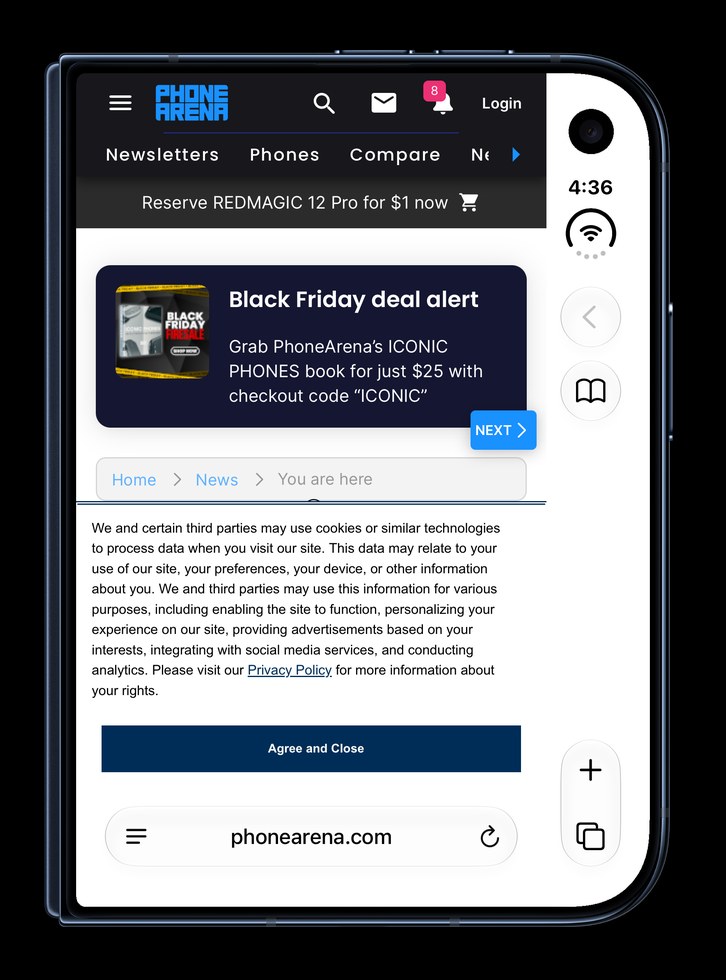
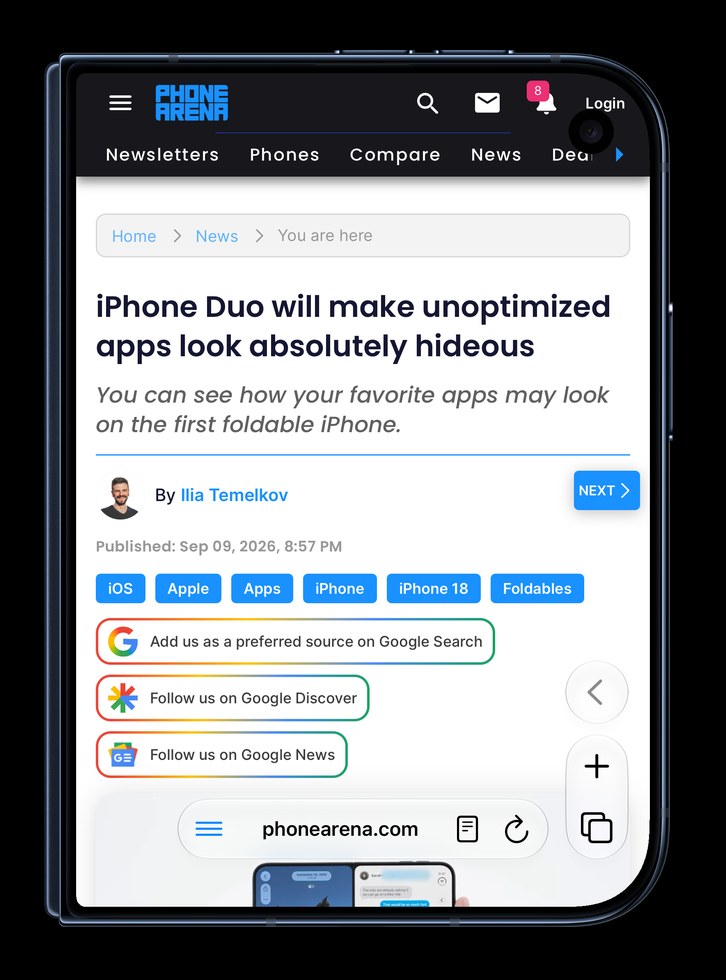
Sites that never made a dark theme get one, built from their own colours. Dark Pages follows your iPhone's appearance, or stays on all the time.
Turn it off for any site with one switch in the ≡ menu.
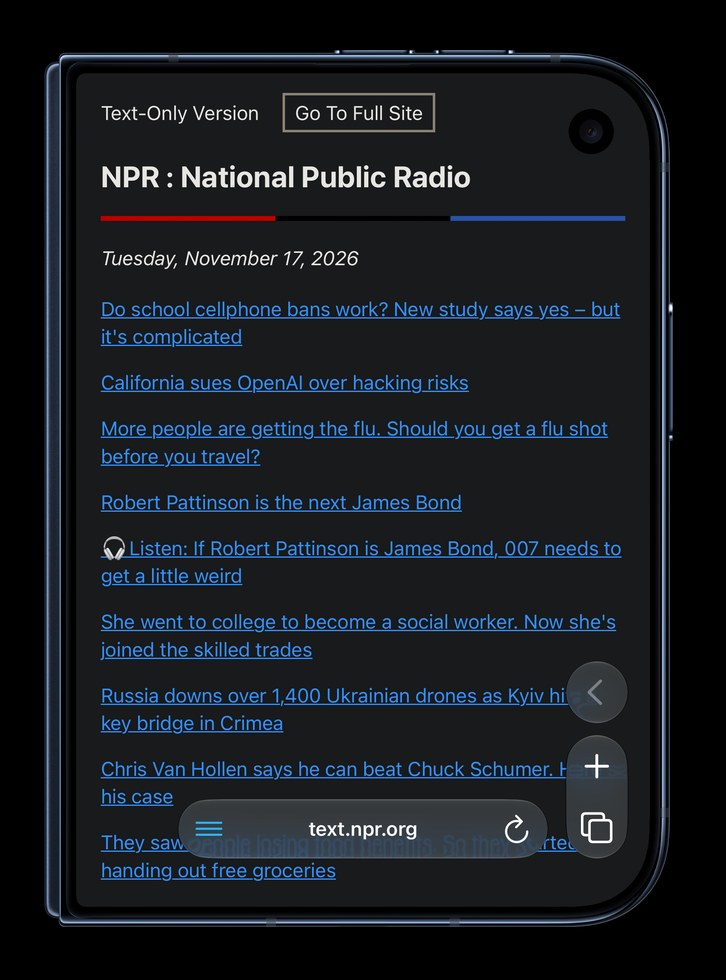
Duofari hides the time and the Wi‑Fi bars,
so nothing sits on top of what you're reading.
Want them back? One switch in Settings.
Same web engine as Safari. Same layout.
Thoughtfully designed for the Duo.
Search, + and ✓ in the column, under your thumb.
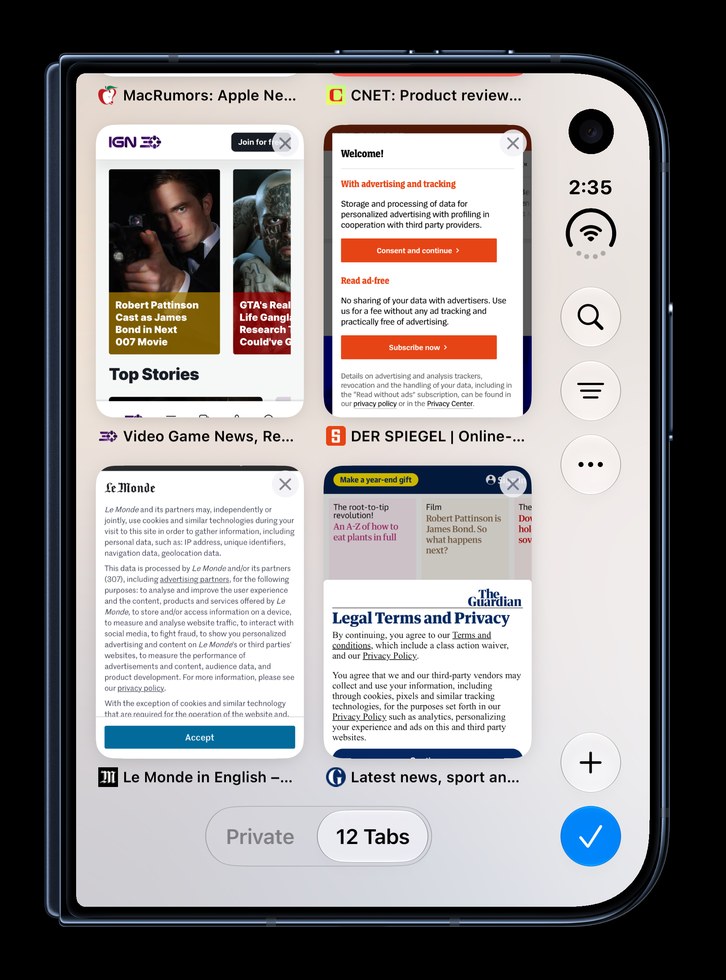
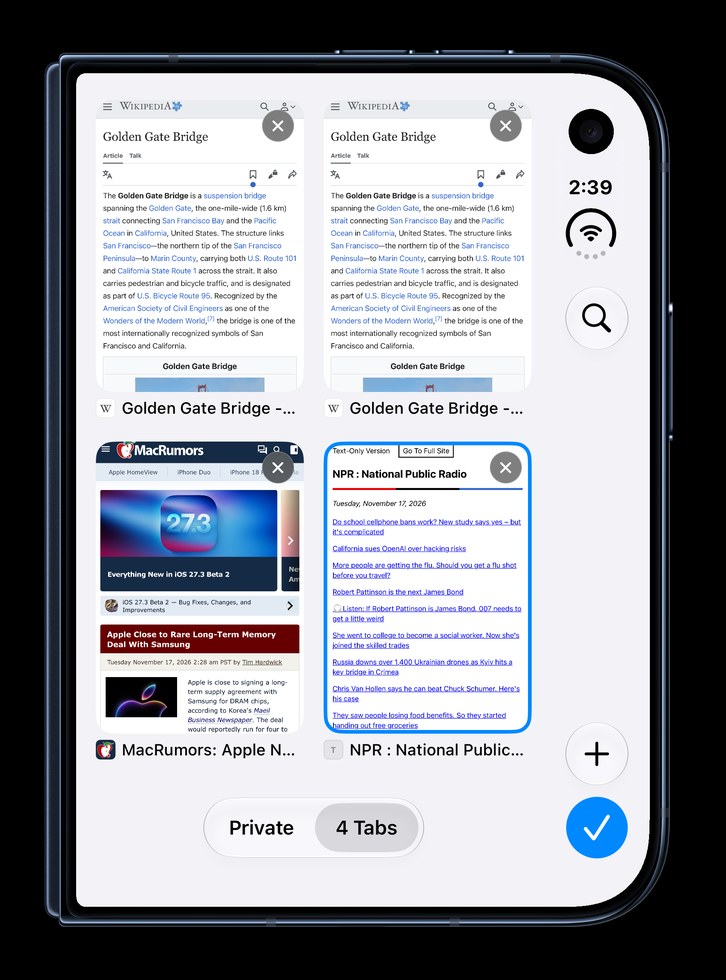
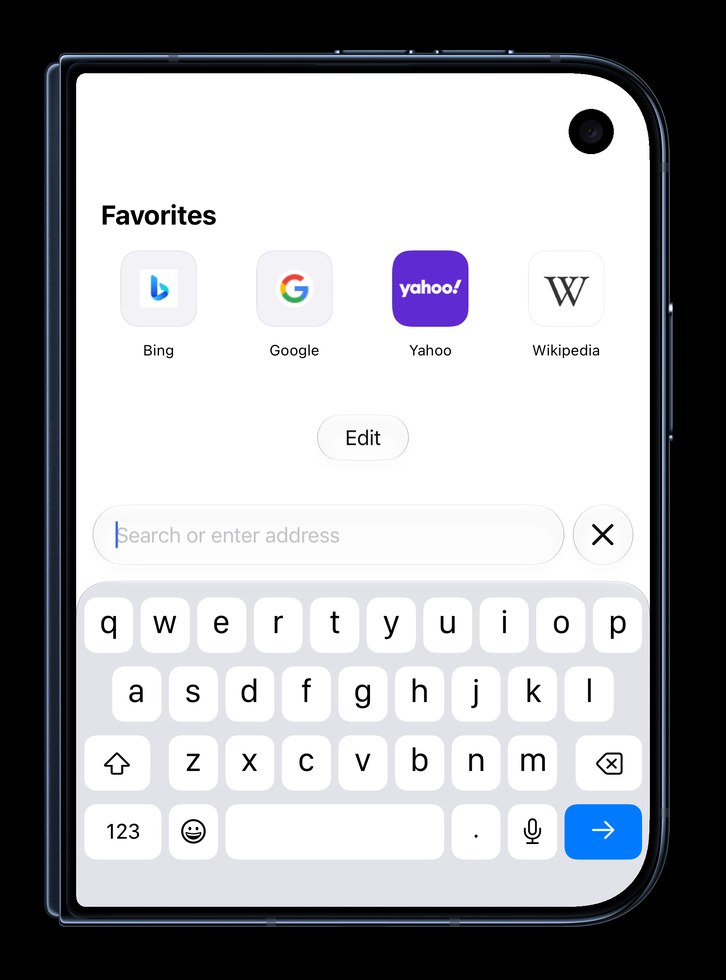
Favorites, Frequently Visited, Recently Closed, and a calm background.
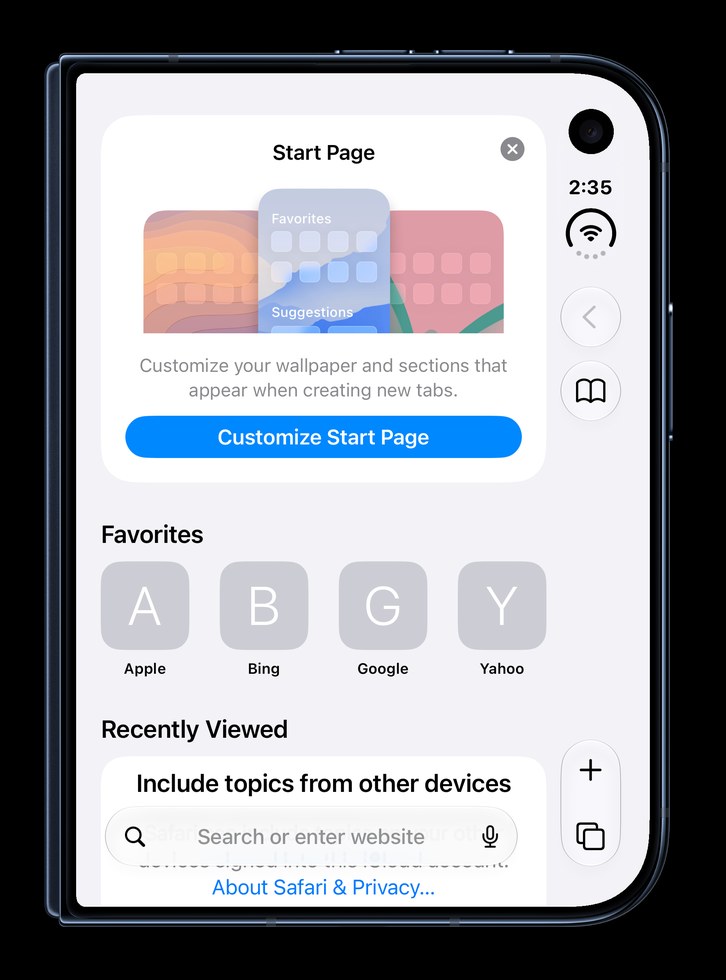
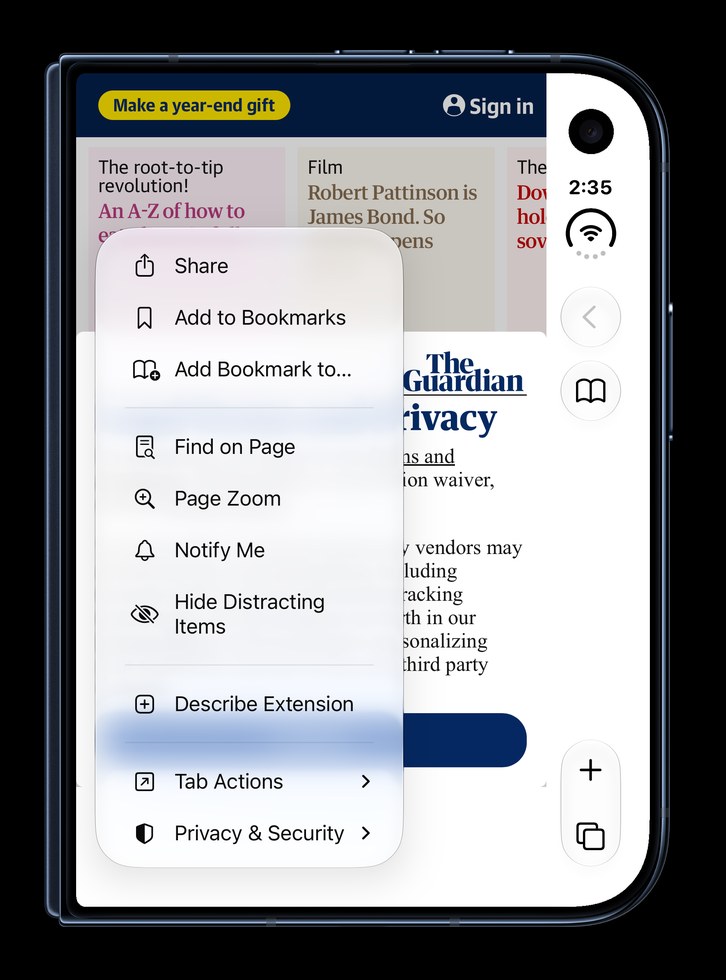
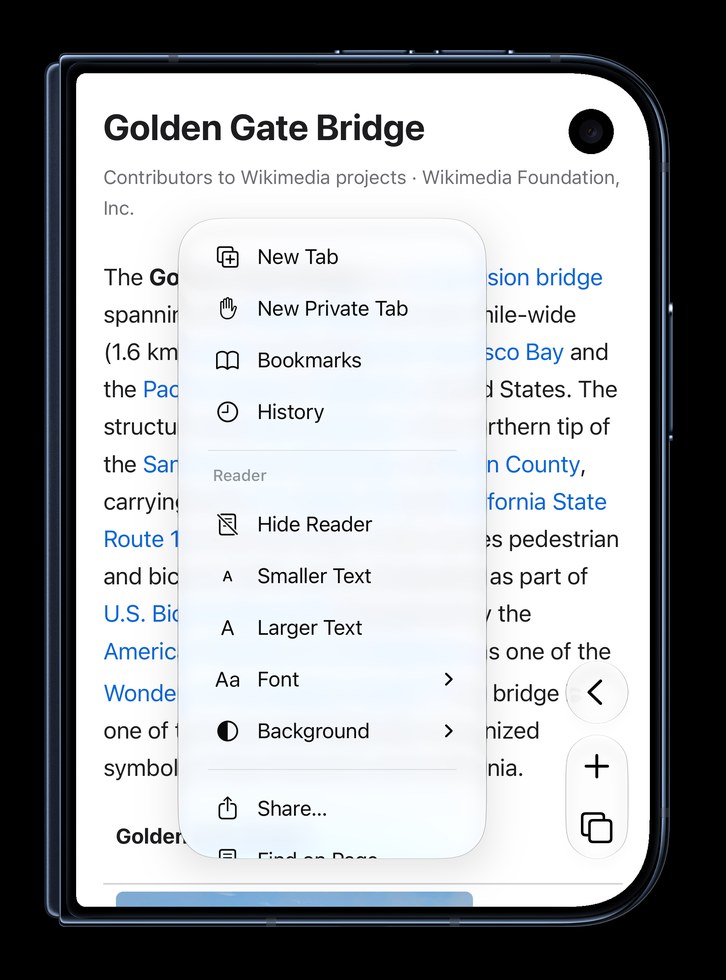
The same items, and Customize Menu to pin what you use.
Nothing to install, nothing to set up.
Just the article, in calm type, with nothing moving.
Private tabs lock behind Face ID whenever you leave the app.
Up top, out of the way, or down low under your thumb.
Pick the sections and a calm background, or turn it all off for a blank page.
Import bookmarks and history from Safari's export in a few taps.
Unfold the Duo and the page fills the inner screen.
No account, no analytics. Your browsing stays on your phone. Privacy
Same engine as Safari. Different buttons. Duofari runs on WebKit, the engine inside Safari, kept up to date by iOS. The same security, the same sandbox. Only the interface is new, made for the Duo.
Pages run under it. When a site puts its menu there, one tap on the camera button moves that site clear of the camera, and Duofari remembers it.
Extensions can change what's inside the page, but not Safari's own window, so the side column stays. Duofari is the window.
Everything works free for 3 days. After that, $0.99 once unlocks it for good. No subscription, no ads.